
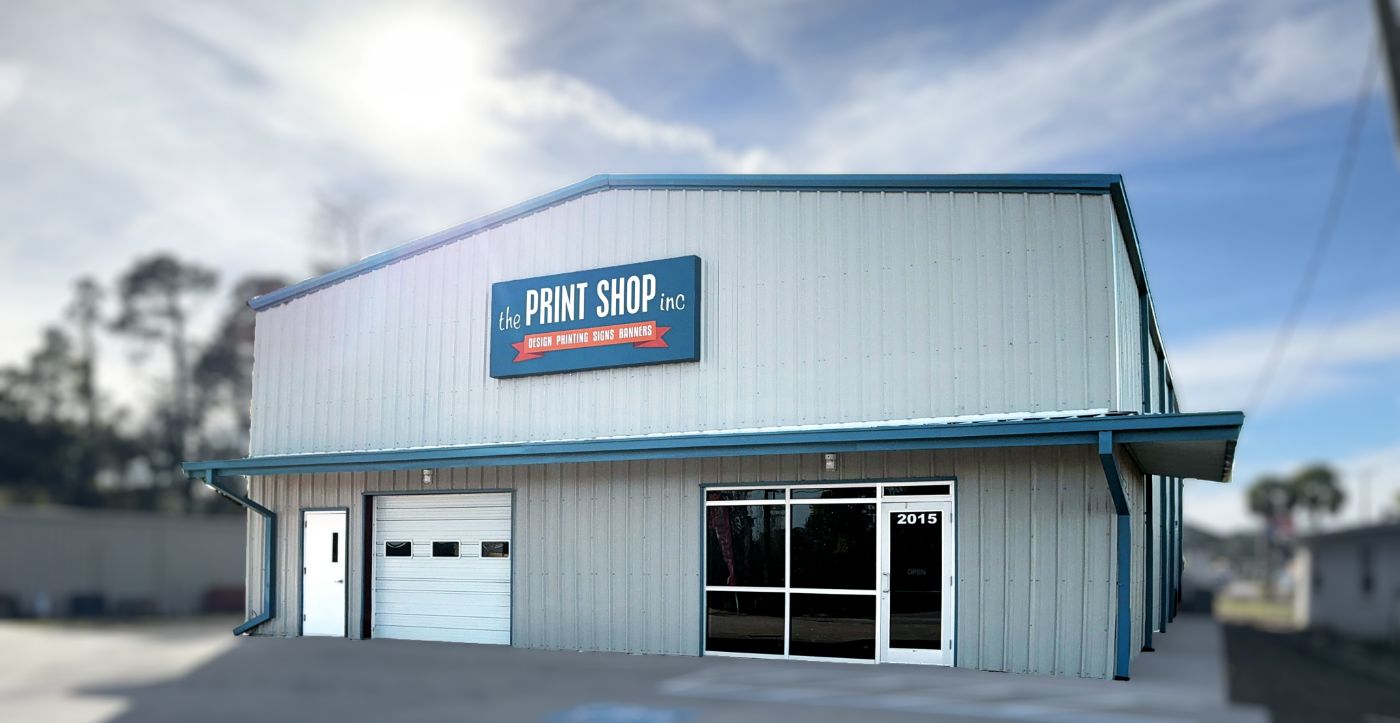
We Rebuilt Our Own Website — Here’s What We Learned
Our old website served us for years, but it had quietly stopped doing its job. So this fall we took on a full website rebuild of theprintshoppcb.com — 55 pages written from scratch, hundreds of real photos, and every detail Google reads checked by hand. We did it in-house, with AI tools doing a lot of the heavy lifting under our direction.
Here are the five biggest lessons from our own website rebuild — the same things we’d tell any Panama City Beach business owner thinking about a new site.
1. Real Photos Beat Stock Photos Every Time
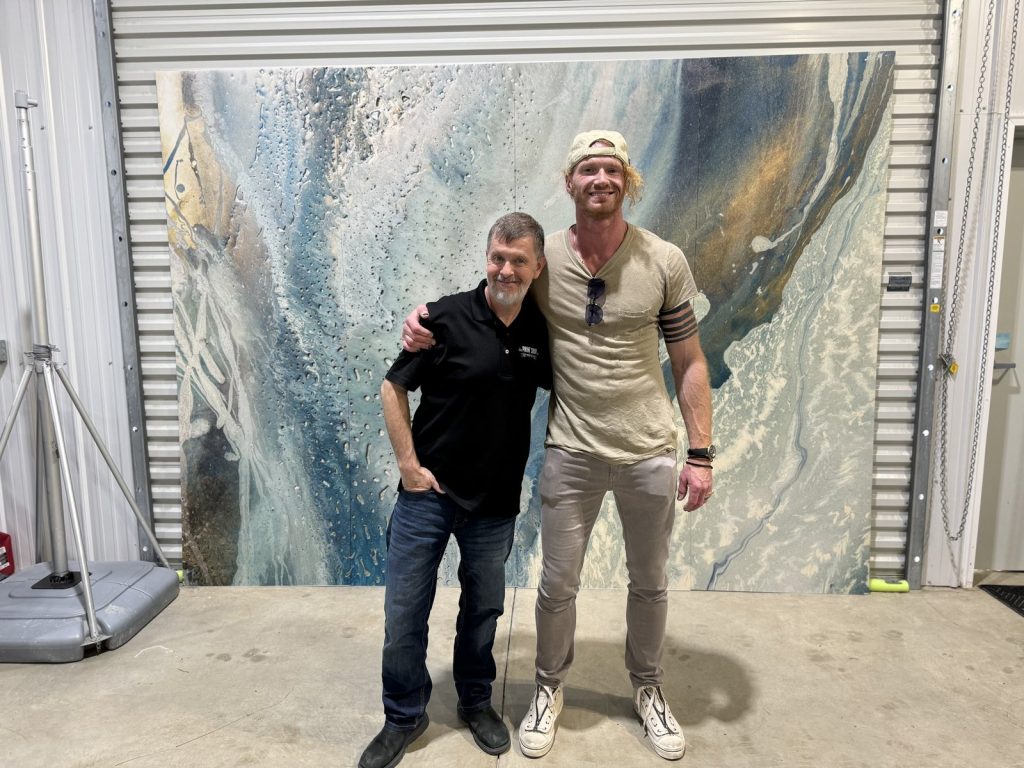
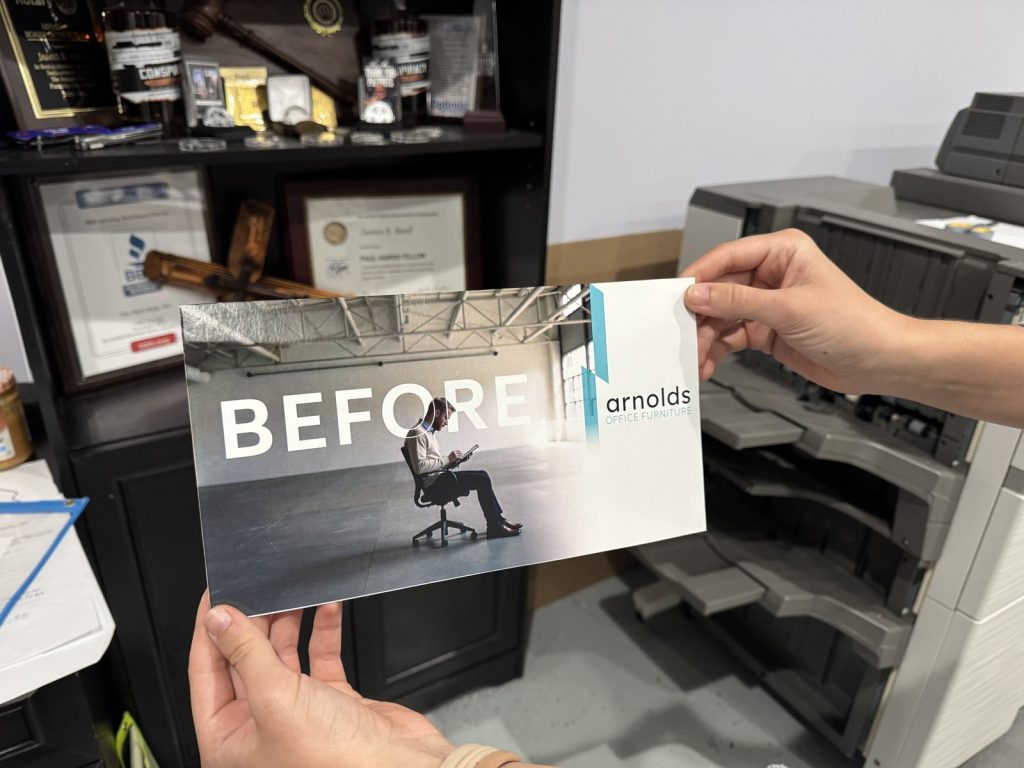
We started the rebuild with placeholder boxes and product mockups. One by one, we replaced them with photos of jobs we actually did — golf carts we wrapped, a local artist’s painting reproduced as a metal wall mural, the postcards we mailed to every door in a ZIP code, even our own family.
It took far longer than grabbing stock images. It was worth it. A customer can tell the difference between a stock photo and a real job in about one second, and real work is the fastest way to earn trust before they ever call.

2. Give Every Service Its Own Page
Nobody searches for “services.” They search for “yard signs Panama City Beach” or “DTF shirt printing near me.” Our old site lumped everything together. The new one has a dedicated page for each thing we do — from business cards to signs and banners to prescription pads.
Every one of those pages answers the same questions a customer asks at our counter: What is it? How long does it take? What sizes and options are there? And a short list of common questions, answered plainly.
3. What Google Reads Matters as Much as What People See
A website rebuild isn’t finished when it looks good. A lot of what decides whether you get found is invisible to visitors:
- A custom title and description for every page — the blue headline and two-line summary in Google results. We wrote all 55 by hand.
- A description on every image (called alt text), saying what’s in the photo and where. It helps blind visitors using screen readers, and it helps Google understand your work.
- One main headline per page. Our audit found every page had two, which quietly hurt our scores. A ten-minute fix once we knew to look.
These details matter more every year, because AI assistants like ChatGPT and Google’s AI answers pull from the same information when someone asks for a print shop in Panama City Beach.
4. Be Honest About What You Do
It’s tempting for a website to promise everything. We went the other way. Our pages say plainly what we design and print in our own shop and what we supply through trusted partners, and how long things really take. Customers notice, and it saves everyone a frustrating phone call later.
5. Test Everything Before You Launch
We built the new site on a private test copy, so we could break things without anyone seeing. Before launch we checked every link and every image on all 55 pages — and found broken pictures and links pointing to the wrong place that we’d never have spotted by clicking around.
We also sent a real message through the contact form to make sure quote requests actually land in our inbox. If your website form quietly fails, you lose customers and never know it. Test yours this week.
Let the Shop That Built This Build Yours.
We build websites for Bay County businesses using the same process — real photos, a page for every service, and all the behind-the-scenes details done right.
See Website Design → Call 850.234.8284“Yes, let’s rebuild the wall!” So they began the good work.
Nehemiah 2:18 NLT